Customizing Frappe Desk Themes with a Dynamic Portal Theme
In this blog, we explore how a custom Portal Theme App can be used to dynamically generate and apply themes across the Frappe Desk with minimal effort.
Overview
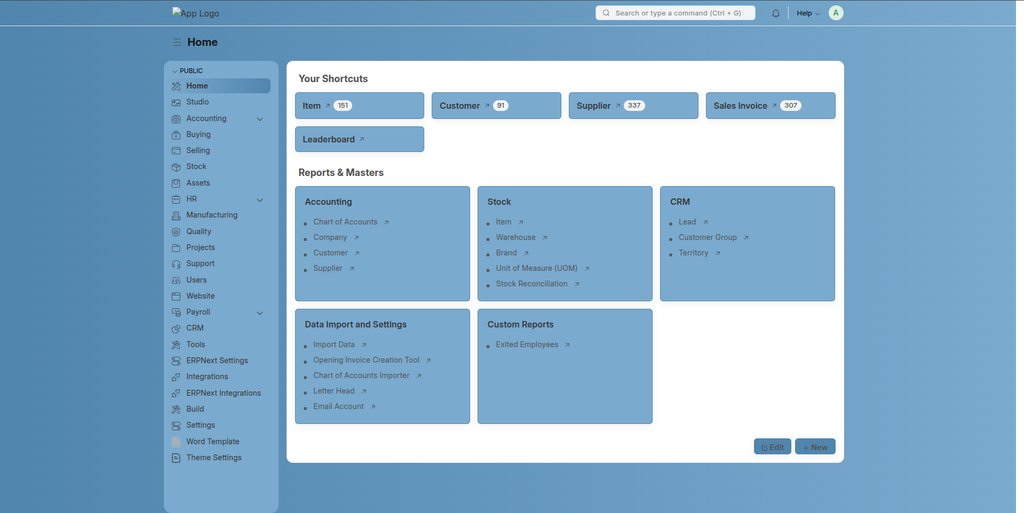
The custom theming solution is built using two DocTypes, with the primary one being Portal Theme. This DocType allows administrators or developers to define color schemes using simple hex values and automatically generates the required CSS variables.
Once configured, the theme is applied across the desk interface after clearing the cache—making the process seamless and efficient.
Key Features
The Portal Theme DocType is designed to simplify theme configuration through a structured and user-friendly interface.
1. Core Color Configuration
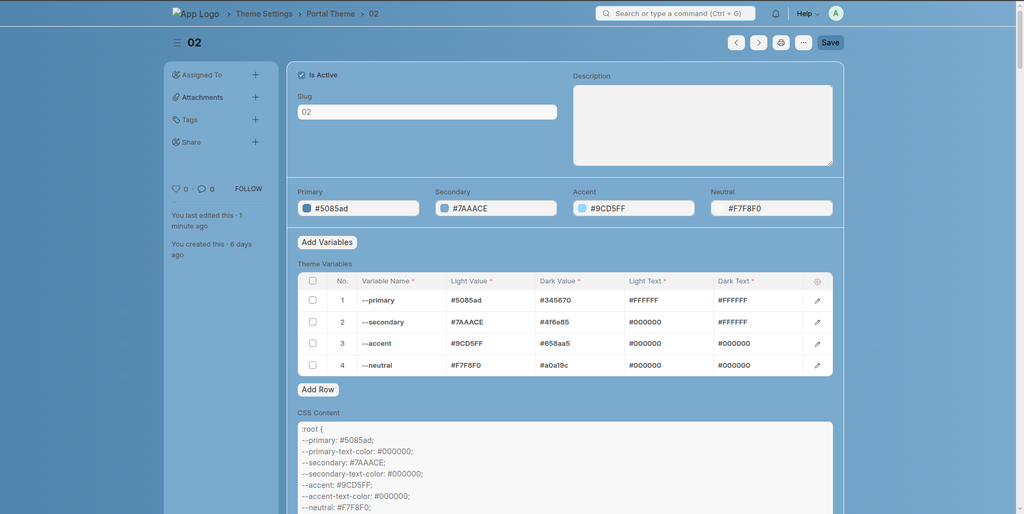
Users can define four primary color categories:
- Primary – Main brand color used for buttons, highlights, and key UI elements
- Secondary – Supporting color for backgrounds and secondary components
- Accent – Used for emphasis, alerts, or interactive states
- Neutral – Backgrounds, borders, and subtle UI elements
Each of these accepts hex color values, making it easy to align with brand guidelines.
2. Dynamic Theme Variables
With the “Add Variables” feature, the system automatically generates a set of CSS variables for both light and dark modes.
Examples of generated variables include:
--primary--secondary--accent--neutral
Each variable includes:
- Light mode value
- Dark mode value
- Corresponding text color for readability
This ensures accessibility and visual consistency across different viewing modes.
3. Automated CSS Generation
One of the most powerful aspects of this implementation is the automatic generation of CSS.
The system compiles all defined variables into a structured CSS block, eliminating the need for manual styling and reducing the risk of inconsistencies.
4. Instant Theme Application
After updating the theme:
- Save the Portal Theme document
- Clear the site cache
The updated theme is immediately reflected across the Frappe Desk interface.
Advanced Portal Theme Settings
The second DocType, Portal Theme Settings, provides extended customization options for enhancing the overall user interface of the Frappe Desk and Portal.
It allows fine-grained control over various UI components such as:
- Login Screen – Customize background, text, and overall appearance
- Buttons – Define colors for primary actions and interactions
- Navbar – Style the top navigation bar to match branding
- Cards & Sections – Control background, header, and text colors
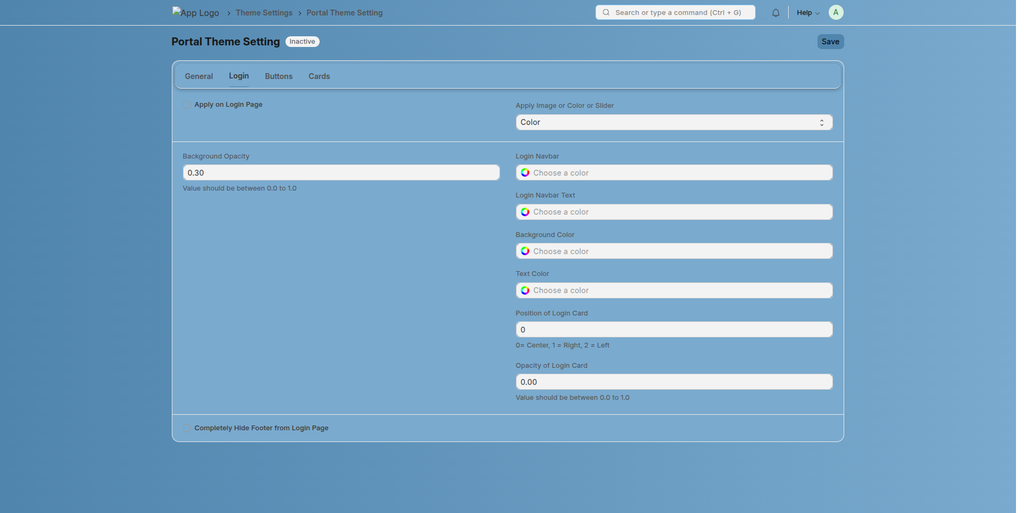
These configurations complement the Portal Theme by providing deeper UI customization, ensuring a consistent and branded user experience across all touchpoints.
No comments yet. Login to start a new discussion Start a new discussion