Module Documentation
Room Type
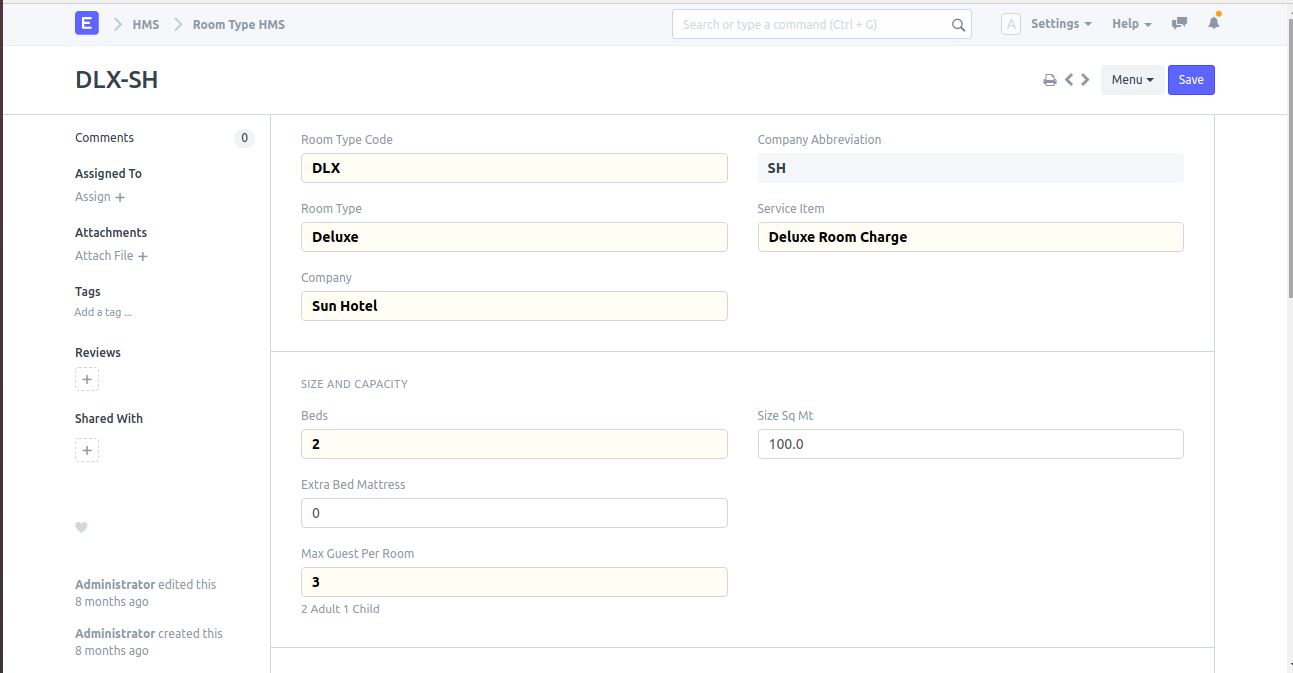
Description
Here one can setup different types of rooms.
Navigation
Pre-requisite
- Items
How to create
- Open Document: Open New Room type doctype.
- Enter Details: Enter Room Type Code and Room type Name.
- Select Service: Select the Service Item.
- Size and Capacity: In the Size and Capacity section, enter the number of beds and Max Guest per Room, then click on save.