Module Documentation
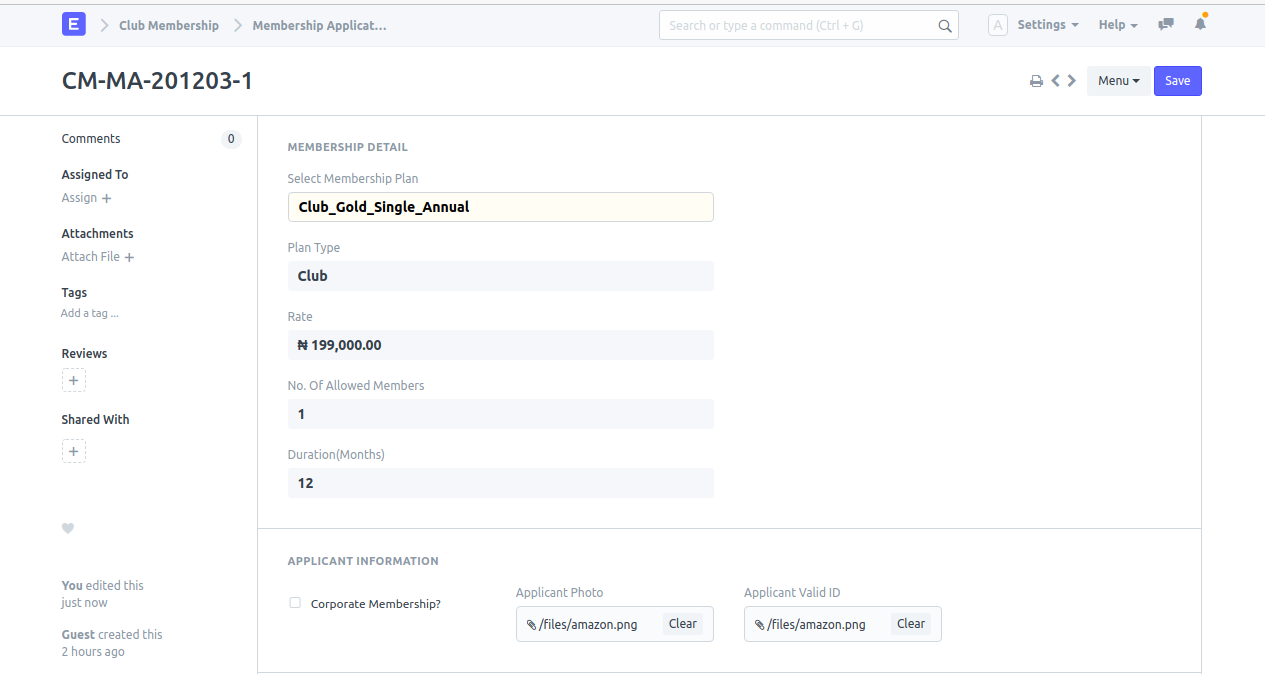
Membership Application
Feature
To create a membership.
Navigation
How to create
- Open Membership Application: Select the application created by the customer online.
- Create Customer & Contact: Click on create and then select Customer and Contact so the corresponding customer and his/her contact will be created.
- Create Membership: Again, click on create and select Membership and then the membership will be created.