Module Documentation
Holiday List
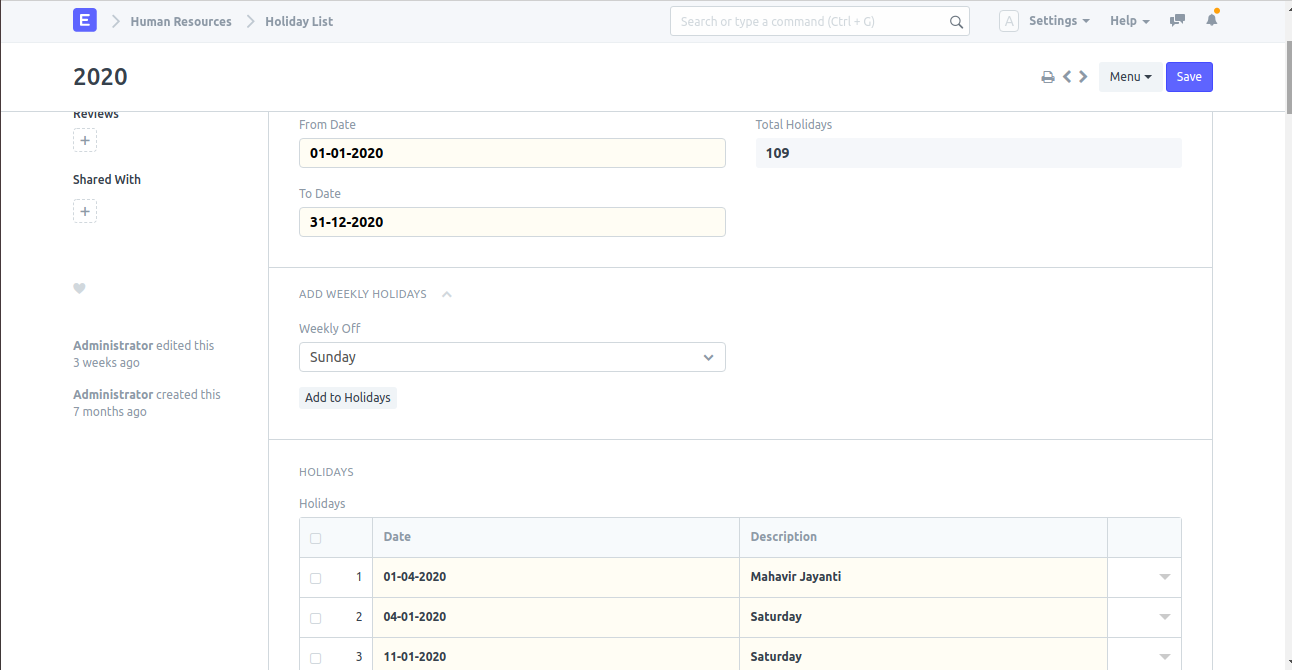
Description
It is used to create a holiday list.
Navigation
How to create
- Open Document: Open New Holiday List doctype.
- Name: Enter Holiday List Name.
- Set Duration: Select From Date and To Date.
- Add Holidays: In the Holidays section, enter the date and enter the description if needed, and save it.
Note: A holiday will be treated as a special day and the rate will be fetched from the special day price list. The holidays are shown as red in the frontdesk.