Module Documentation
Facility
Feature
To create a facility.
Navigation
Pre-requisite
- Item
How to create
- Open Document: Open the New Facility doctype.
- Enter Name: Enter the name of the Facility.
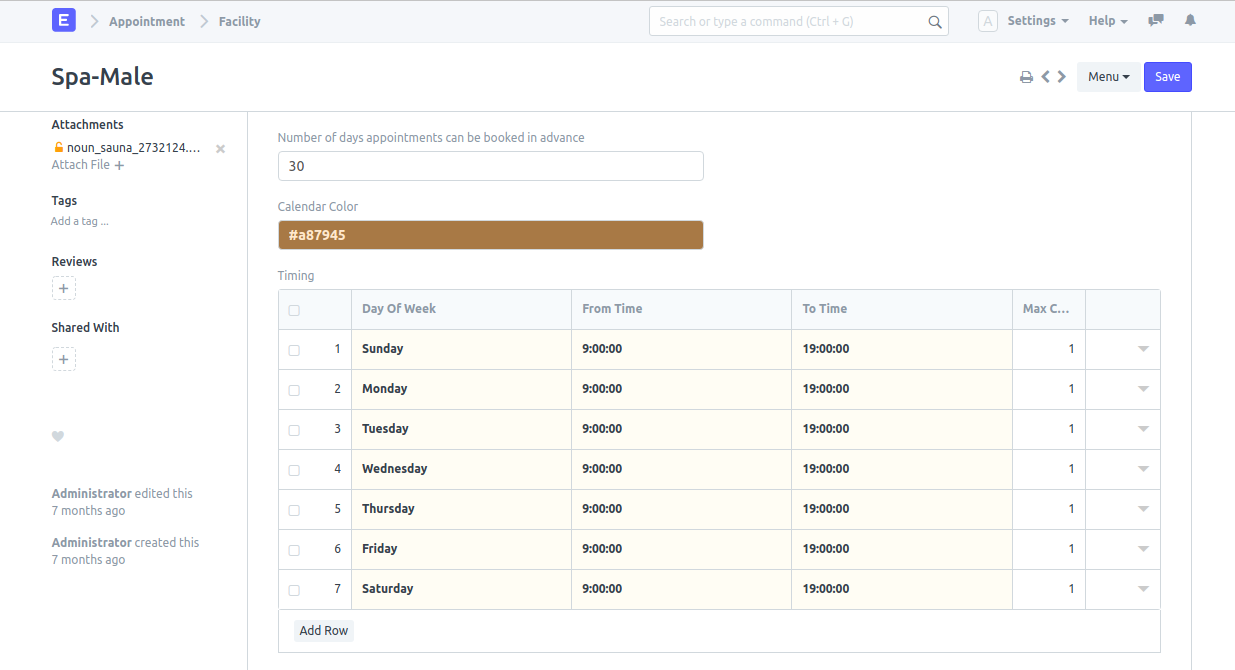
- Booking Rules: Enter the Number of days appointments can be booked in advance.
- Styling: Select the Calendar Color.
- Timings & Capacity: Set the timing. Max Concurrent Appointment shows the number of members which can access the facility at the same time.
- Service Details: In the Service table, enter the name of the service, select the item, set the duration, and save it.